### Description The inline block appender overflows, jumps, and does not dynamically update its size while resizing the isolated template part editor. ### Step-by-step reproduction instructions 1. Enable the site editor by activating a site editor enabled theme 2. Navigate to Appearance > Template Parts 3. Select any template part 4. Create at least two blocks, one above the other, and render the block appender that can insert another block between them. 5. Click on the block appender 6. While the block menu is still open, use the isolated template part editor drag handles to resize the view ### Screenshots, screen recording, code snippet 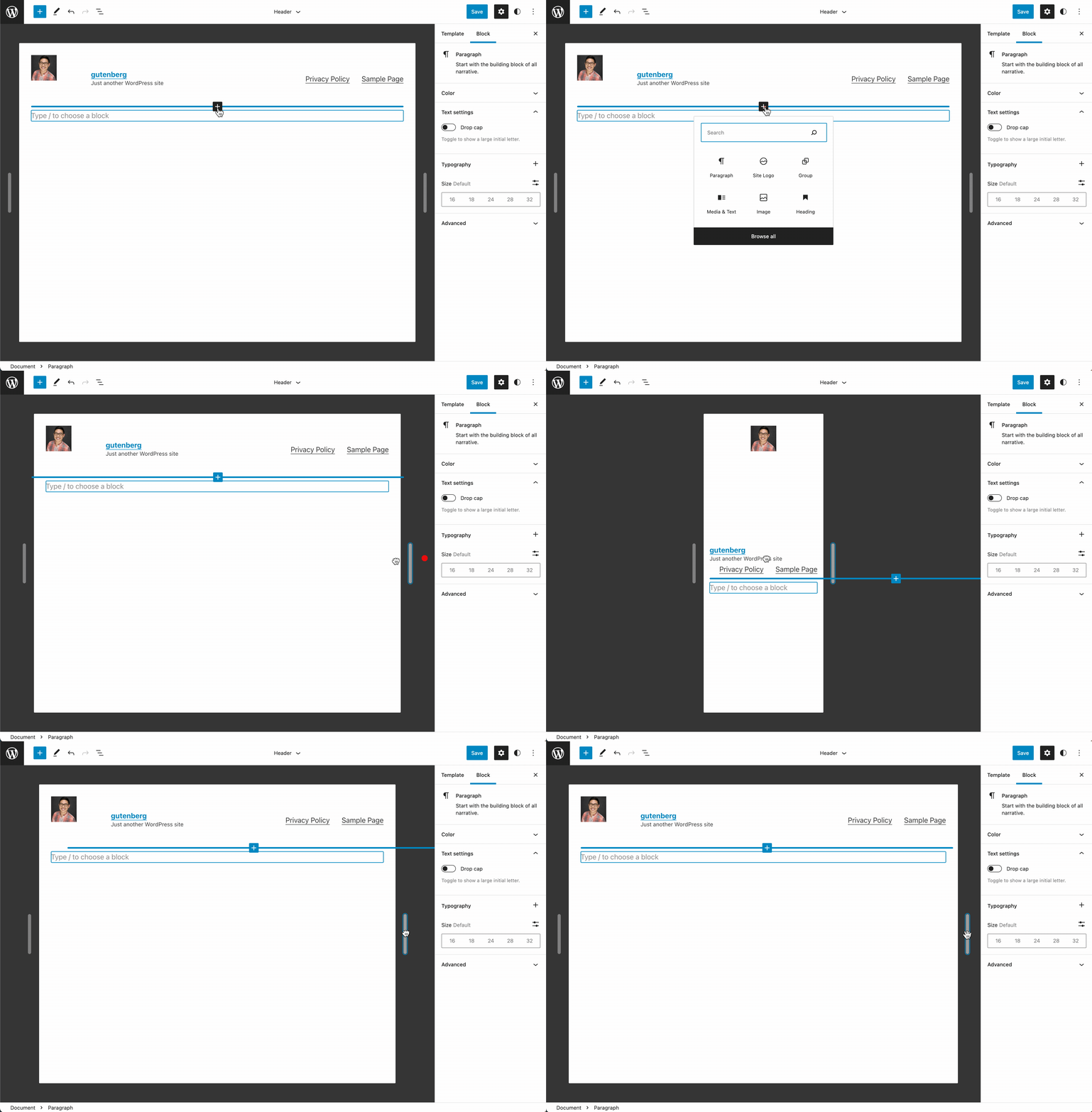 ### Environment info _No response_ ### Please confirm that you have searched existing issues in the repo. Yes ### Please confirm that you have tested with all plugins deactivated except Gutenberg. Yes